No setupOpen it. Add a Tab. Done.
Never miss
the things
that matter.
KeepTab is a countdown and reminder app for the deadlines that quietly cost you money or moments. Add a Tab, and it counts the days and reminds you before it matters.
- Works offline
- No account required
- Your data stays on your device
Everything has a date.
KeepTab keeps the Tab.
From purchases and warranties to birthdays, trips and milestones — KeepTab works for all the important dates in your life.

Purchases
Returns, refunds and deliveries.

Warranties
How long you're still covered.

Subscriptions
The next charge, before it renews.

Events
Birthdays and anniversaries.

Documents
Passports, visas and licences.

Lent & borrowed
Who has what, and for how long.

Trips & milestones
Count down to what's next.

And anything else
A date, a goal or a count-up.
Three taps,
then it remembers for you.
No setup, no import, no account to make. KeepTab is useful about fifteen seconds after you install it.
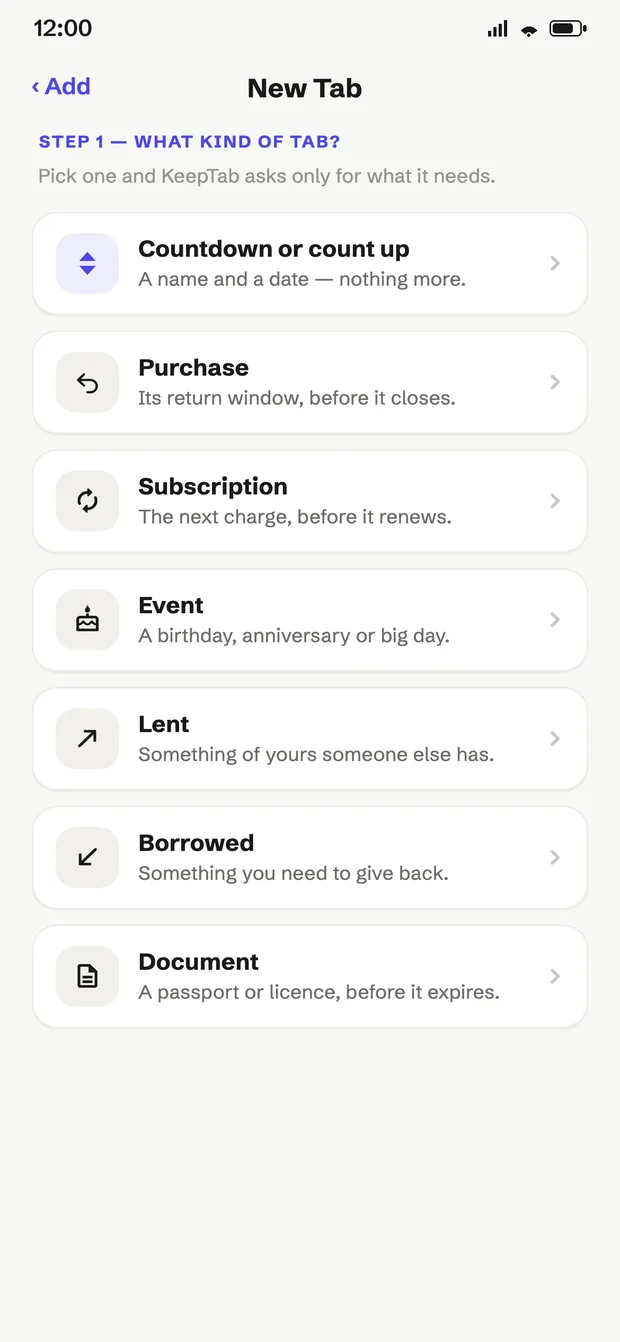
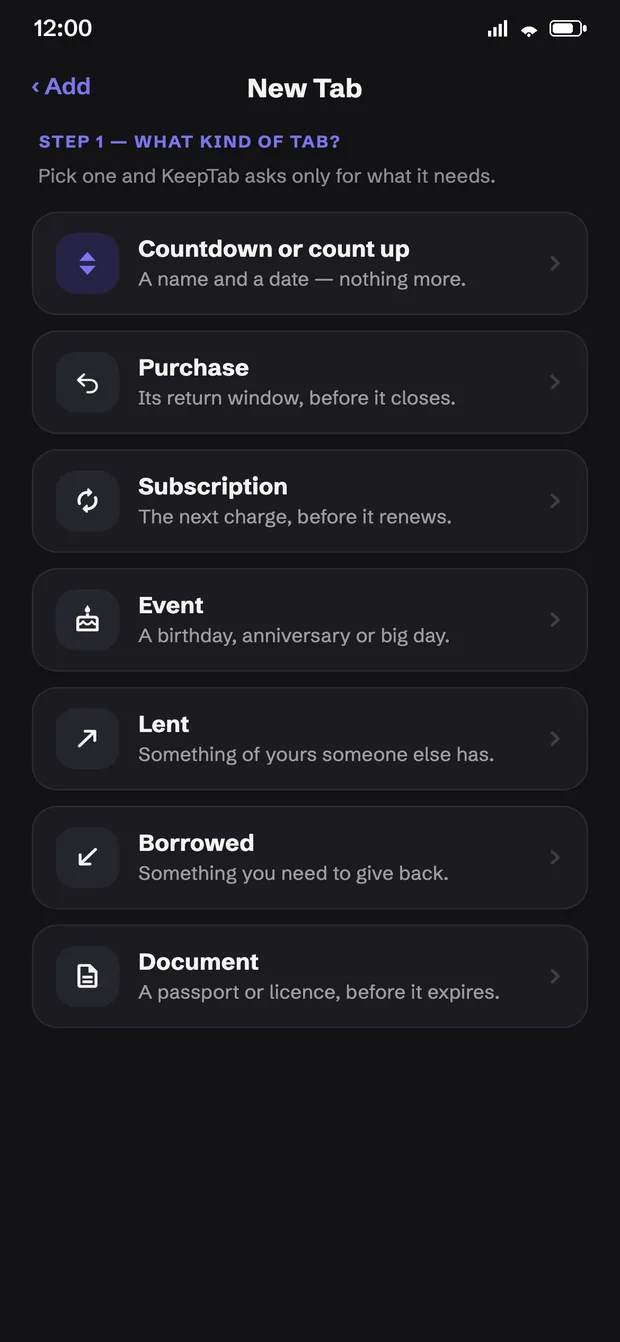
Add a Tab
Pick the kind and add the details. KeepTab asks only for what that kind needs.
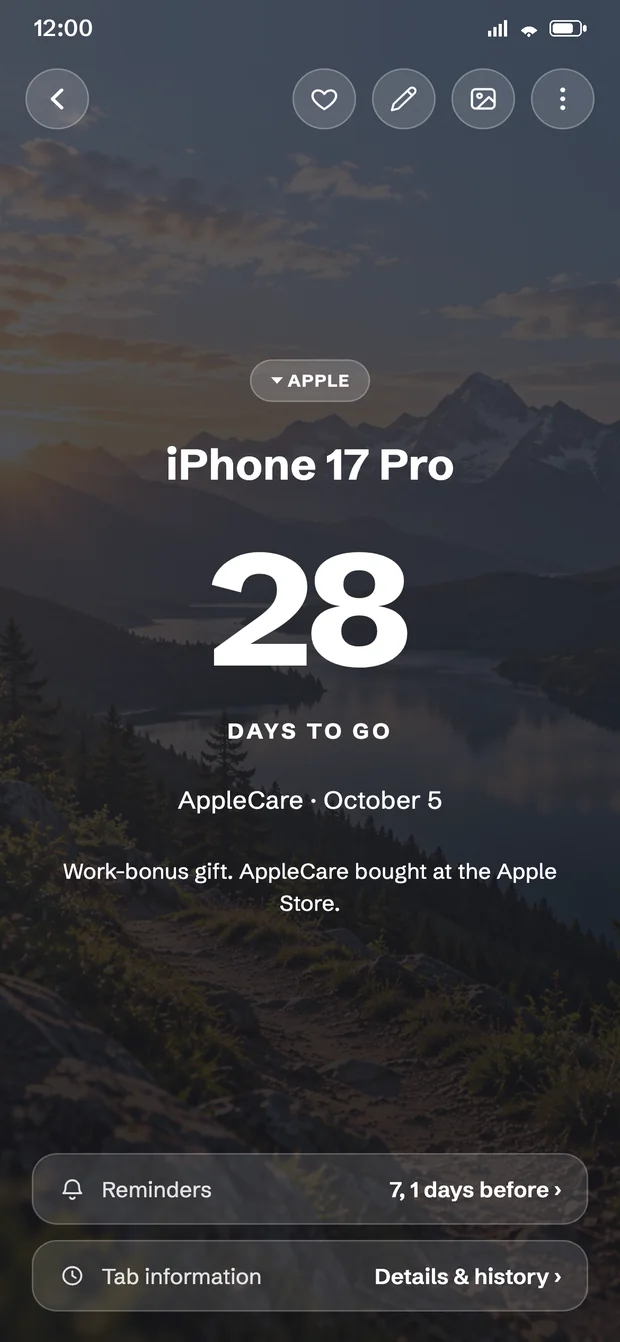
It counts the days
It shows what's coming up on your Home and Timeline, with your photo behind the countdown.
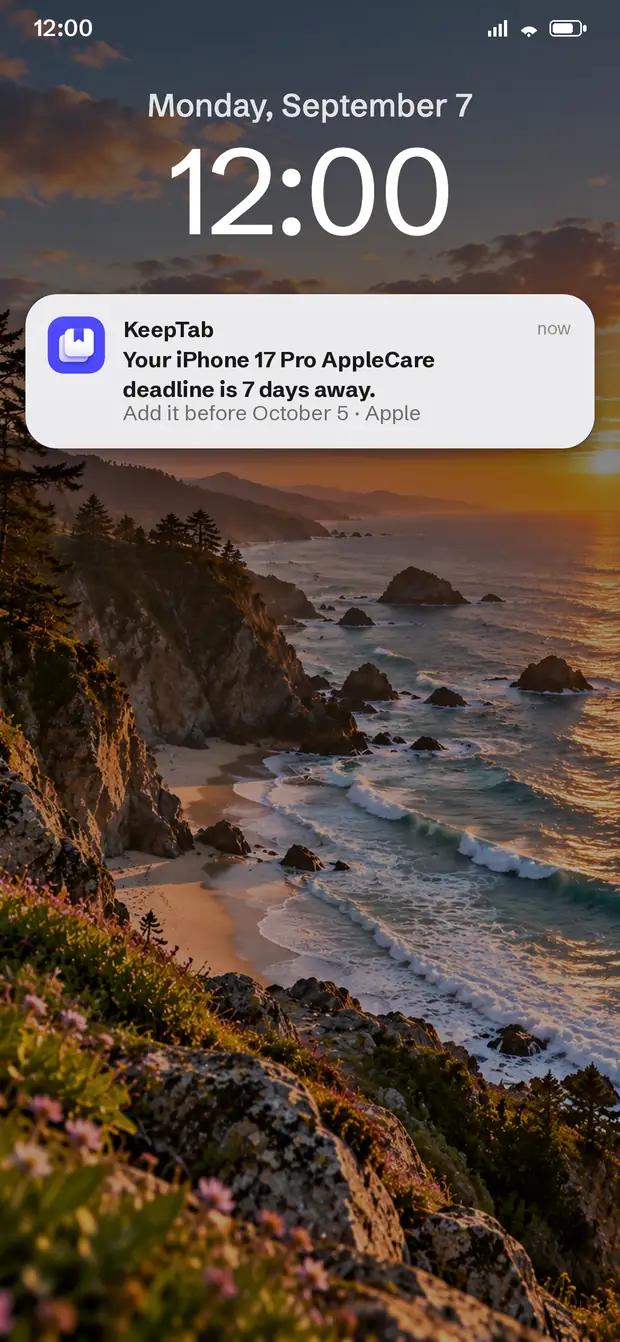
You get reminded in time
A nudge before it matters — on your phone, with no signal needed.
Everything you track,
on one screen.
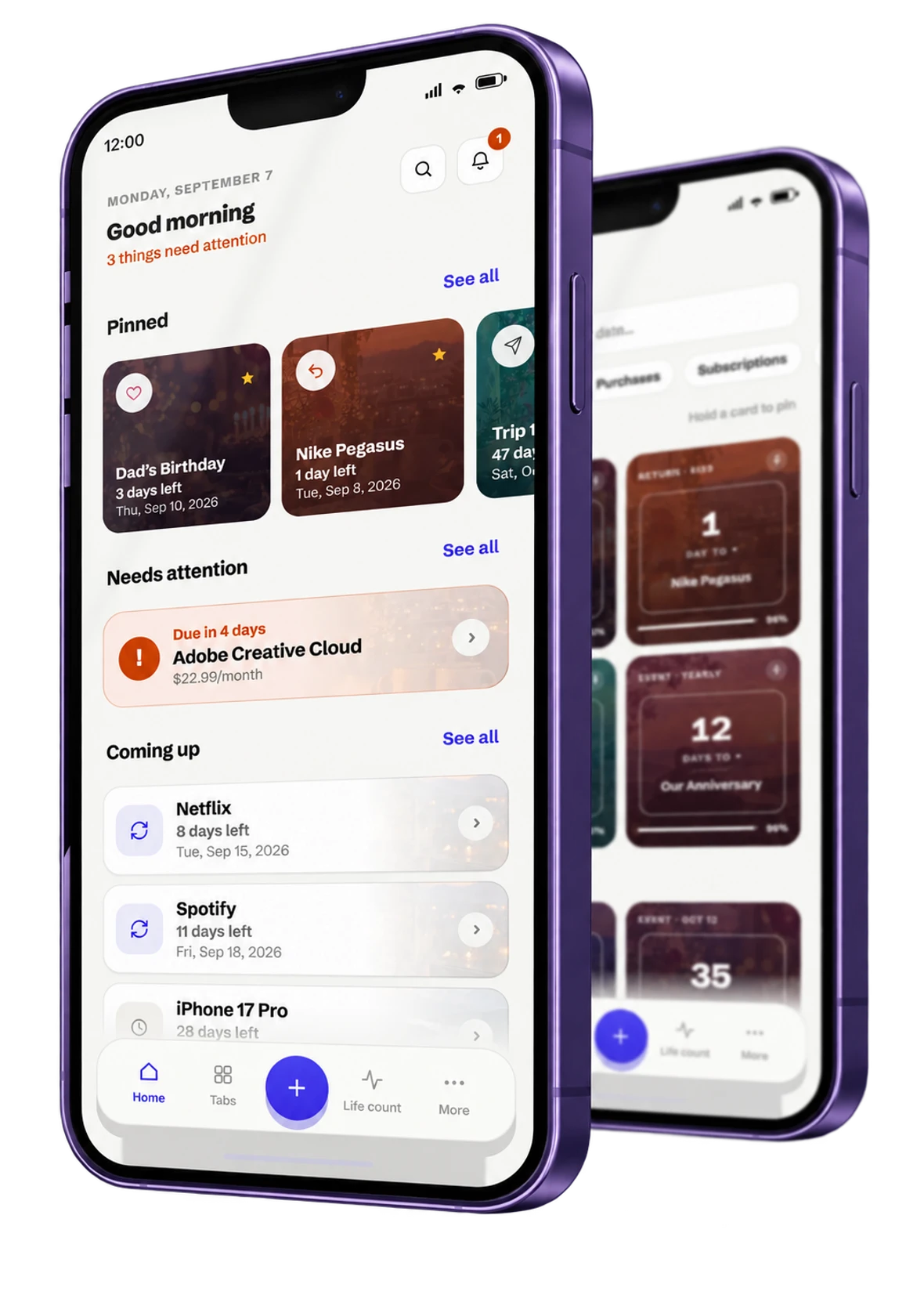
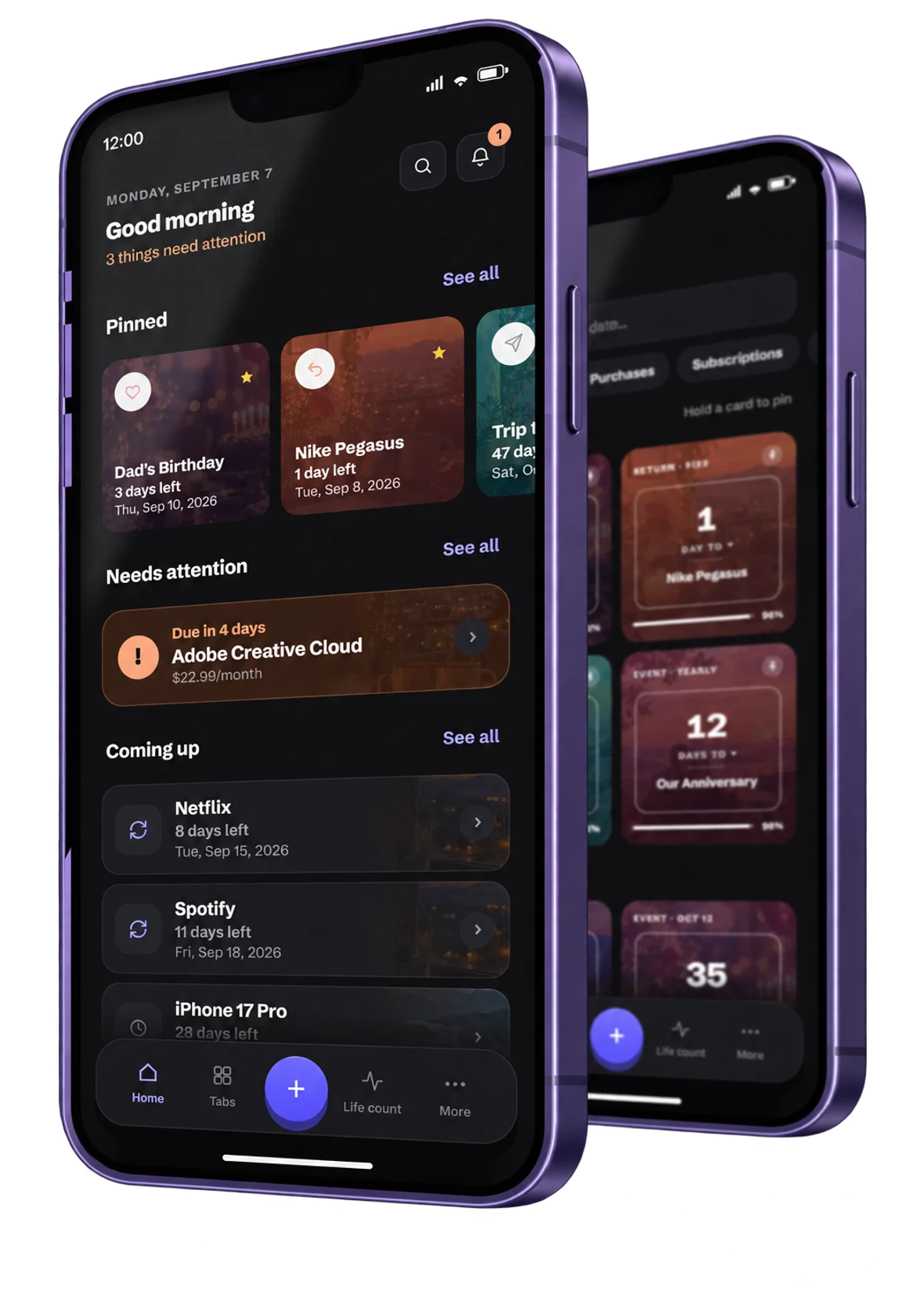
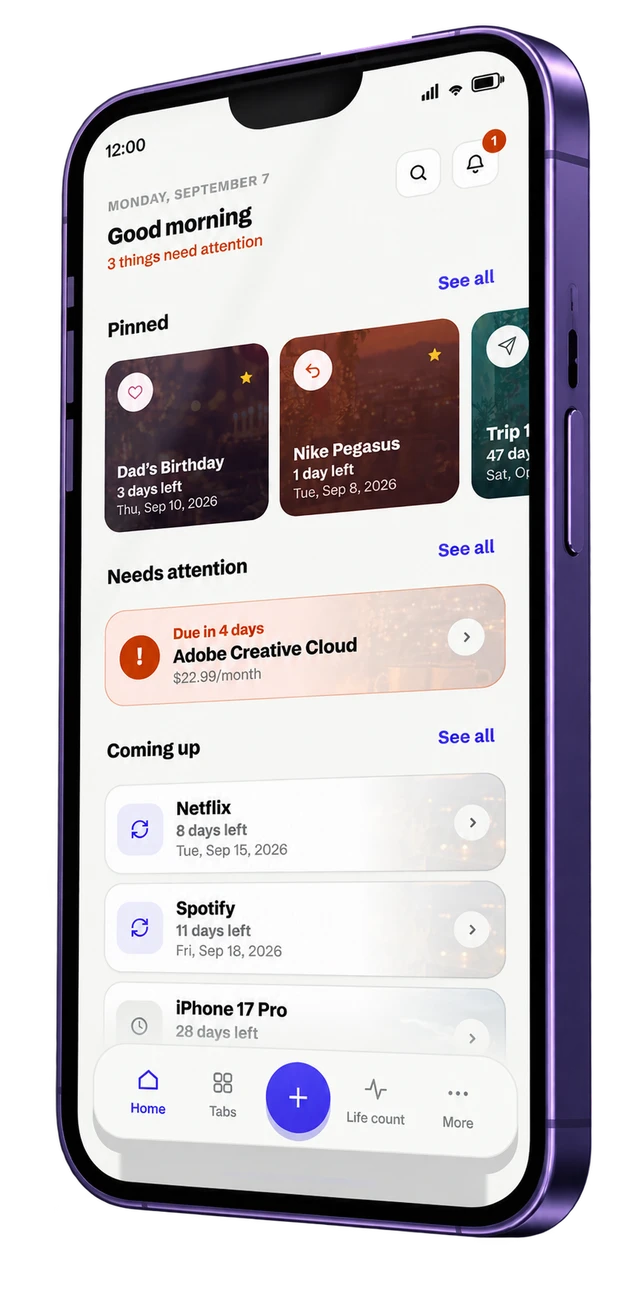
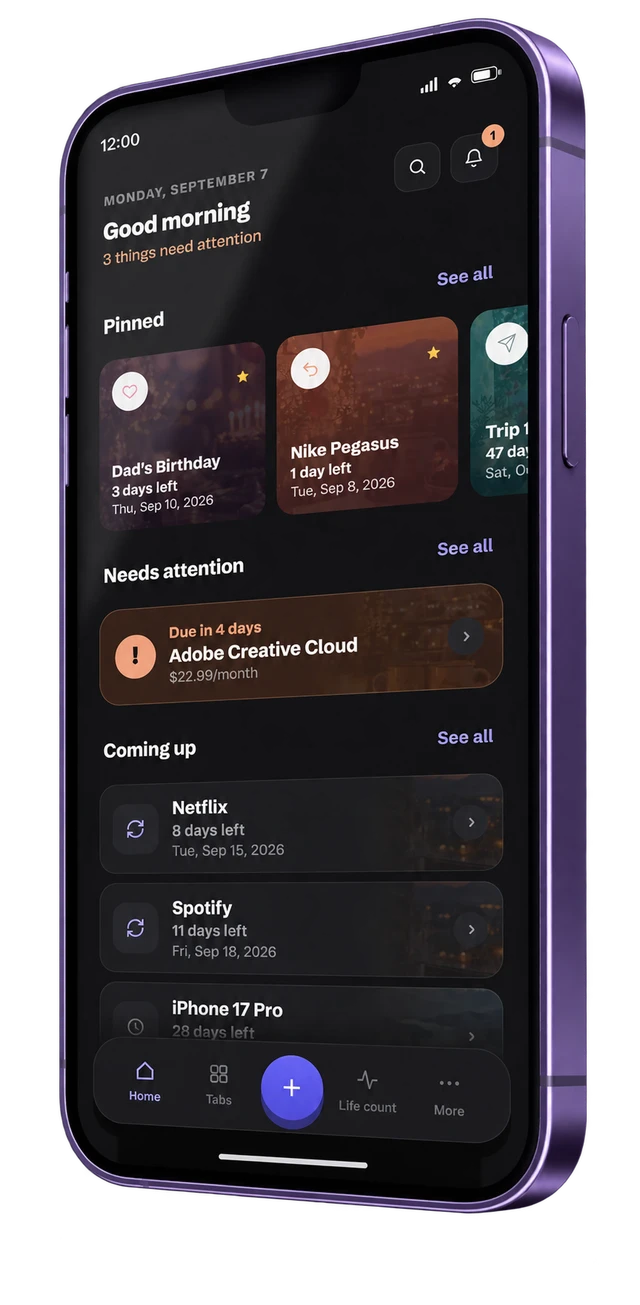
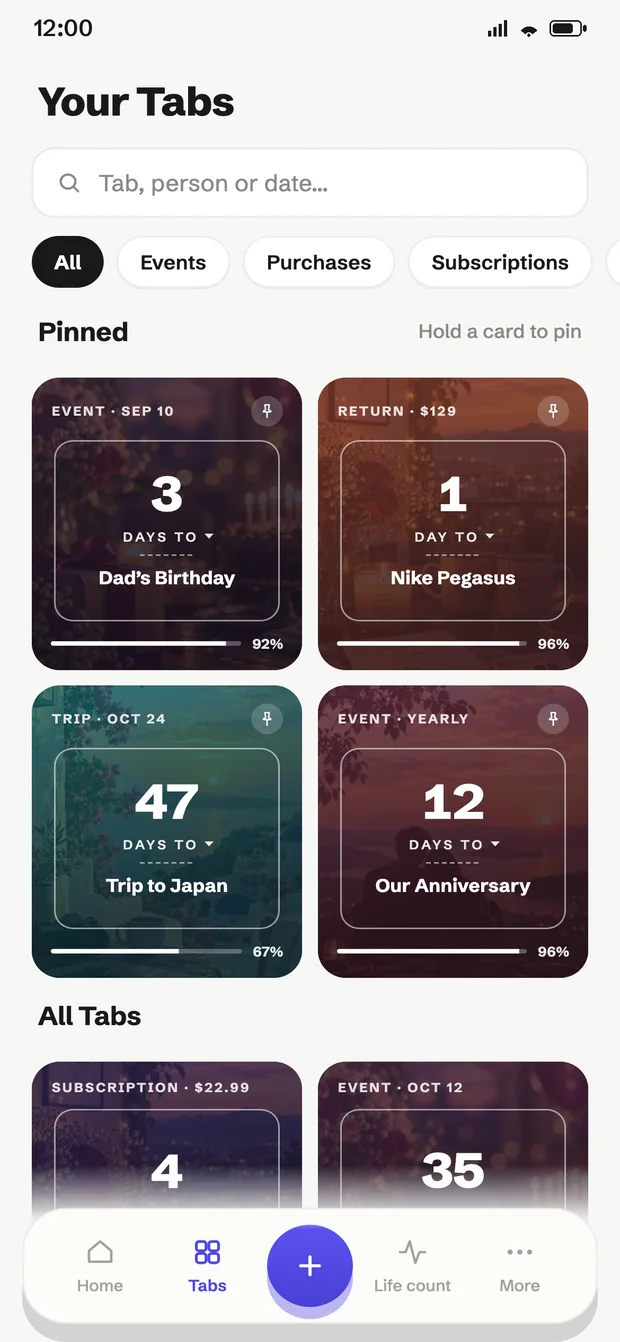
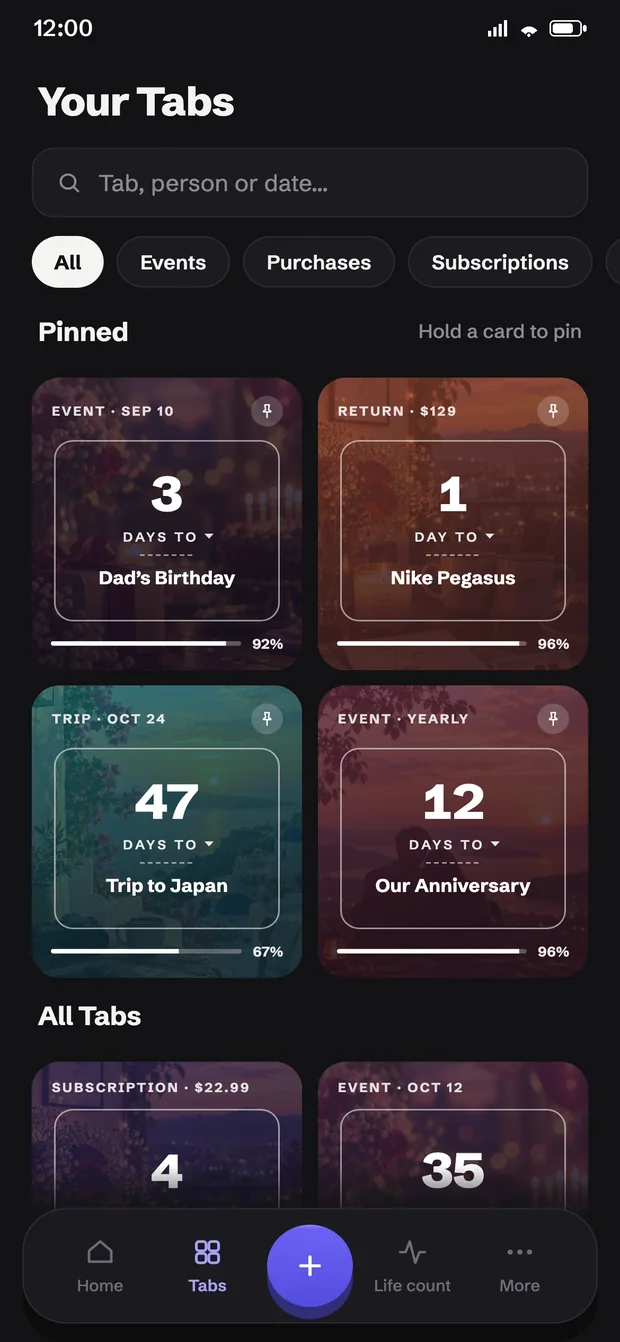
Home shows what needs attention today, what is coming up, and the Tabs you pinned. The Tabs grid holds everything else, so you always see the full picture.
Today at a glance
See what needs attention now.
Pin what matters
Keep your important Tabs on top.
Search anything
Find by name, person or date.
Filter by kind
Purchases, warranties, events and more.
Reminders that work
even without signal.
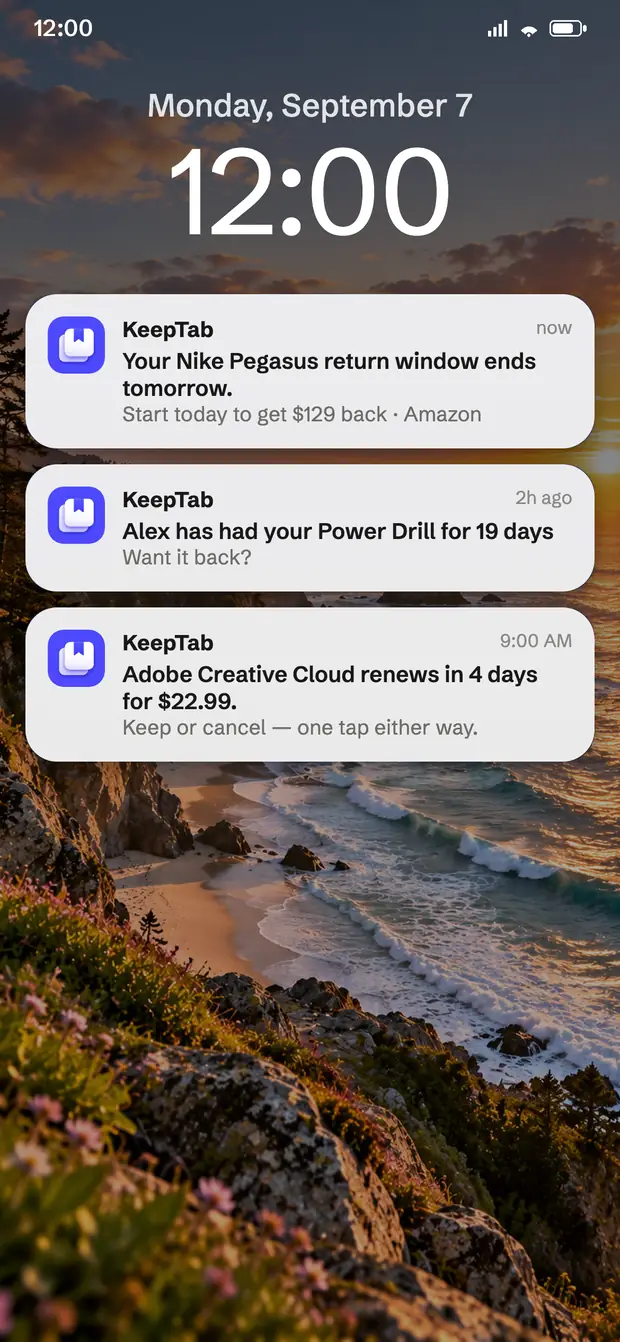
KeepTab schedules reminders on your device, so they arrive with no network, no account and no server in between.
Works offline
Reminders are stored on your phone.
Survives a restart
Rescheduled automatically when your phone boots.
Always yours
Your data never leaves your device.
Some things are worth
counting up, too.
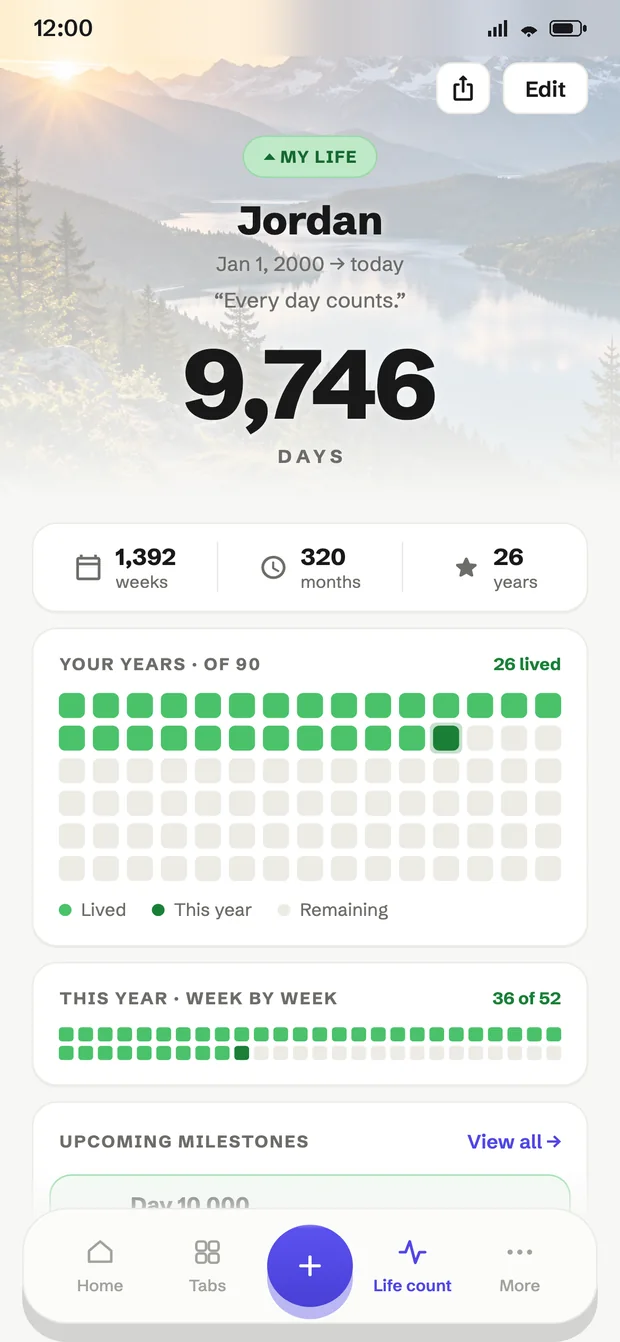
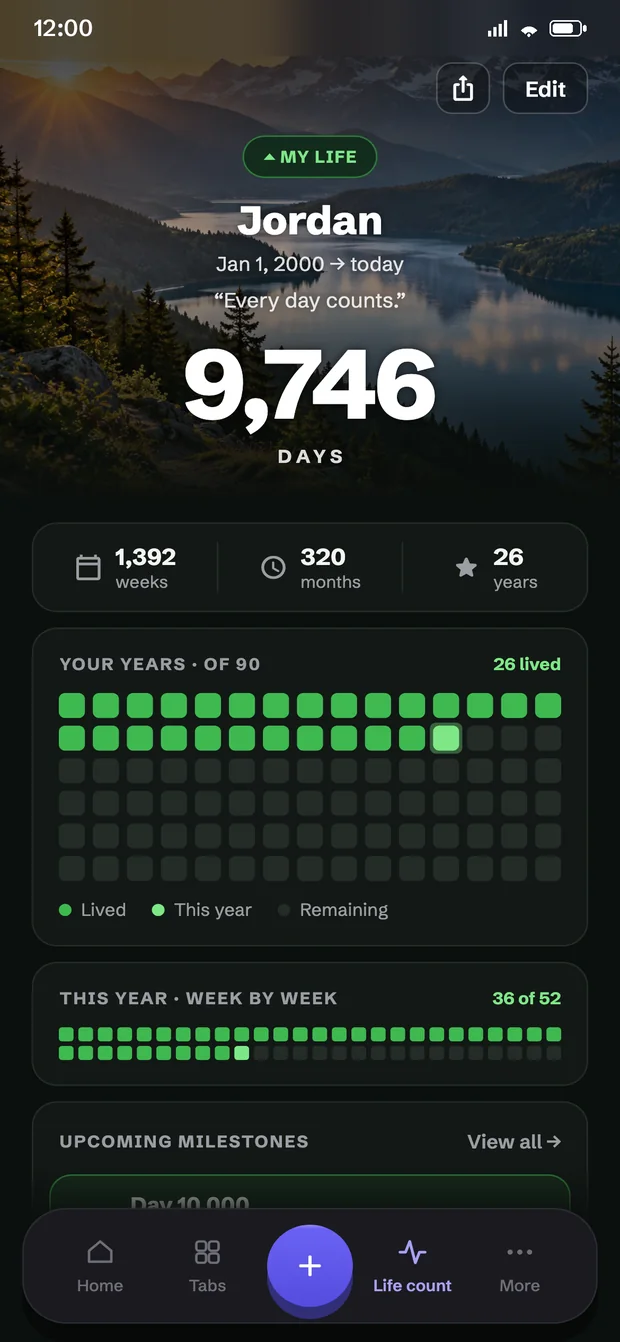
The life count shows how far you have already come — in days, weeks, months and years, with optional milestones ahead.
Your complete timeline
Days, weeks and years, drawn week by week.
Milestones ahead
Your 10,000th day, a round birthday, the halfway mark.
Remind me for the big ones
Each milestone can carry its own reminder.
Your photo, behind the countdown
Put your own picture on any Tab, pick a colour and a style, and add notes, gift ideas or a memory.
Home screen widget
Keep your next deadline visible on the home screen, without opening the app at all.
A timeline of everything
Mark a Tab done and it moves to your timeline — everything you have tracked, past and upcoming.
Questions, answered
Is KeepTab free?
Yes. KeepTab is free, has no ads, and sells nothing inside the app. There is no paid tier to unlock.
Does KeepTab work offline?
Completely. Reminders are scheduled on your device, so they arrive with no signal, no account and no server. The app never needs a network connection to do its job.
Do I need an account?
No. There is no sign-up, no email and no login. Open the app and start adding Tabs.
What data does KeepTab collect?
None. KeepTab has no analytics and no tracking, and sends nothing anywhere. Your Tabs live in your phone's storage. You can export them, or delete everything, at any time from Settings.
Will birthdays remind me every year?
Yes. Yearly dates like birthdays and anniversaries roll forward automatically and count to the next occurrence, every year — not just the first.
What is the life count?
It turns your birth date into a running total of days, weeks and years, draws the year week by week, and shows the milestones ahead — your 10,000th day, a round birthday, the halfway mark — each with an optional reminder.
Is there an iPhone version?
Not yet. KeepTab is on Android today, and the iOS version is in the works — the App Store button here will go live when it ships.
Can I put KeepTab on my home screen?
Yes. A home screen widget keeps your next deadline visible without opening the app.